
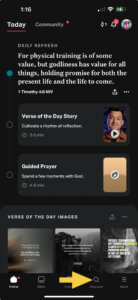
When you open your Bible App (must be by youversion) click on the magnifying glass labeled as discover
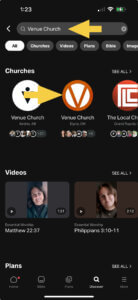
In the search bar at the top, search for “Venue Church”. Once you see the Venue Church Logo (should be one of the first selections listed) click on it.
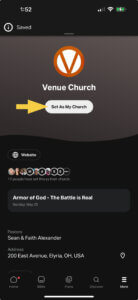
When you click on the Logo, it will bring up Venue’s Church Details. At the top it will have an option to “Set As My Church”. Click on this, and it will ask you who can see that you set Venue Church as your Church. Make the selection that you want. Once it reloads the button will now say “ My Church”
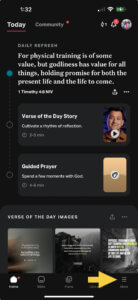
You can now click on the “More” tab on the bottom right side of the app anytime you get into the “YouVersion” bible app to access the items Venue Church uploads.
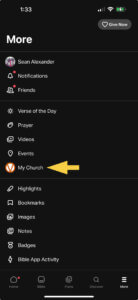
You will now notice the “Venue Church” is listed at “My Church”
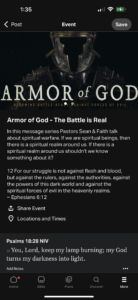
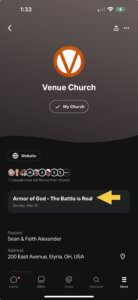
If you click on that you will be able to access information on the current message series that Venue Church is presenting.
If you click on the series title, you’ll notice information pops up about the series and …
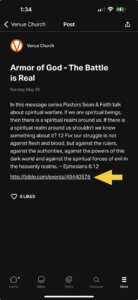
If you click on that all of the scripture used in Sunday’s message will be there and accessible.